Where do I turn on MFA Enforcement?
Go to Settings → Data & Security → Multi-Factor Authentication. Switch on Enforce Multi-Factor Authentication, then click Save.
Only admins can see and change this setting.
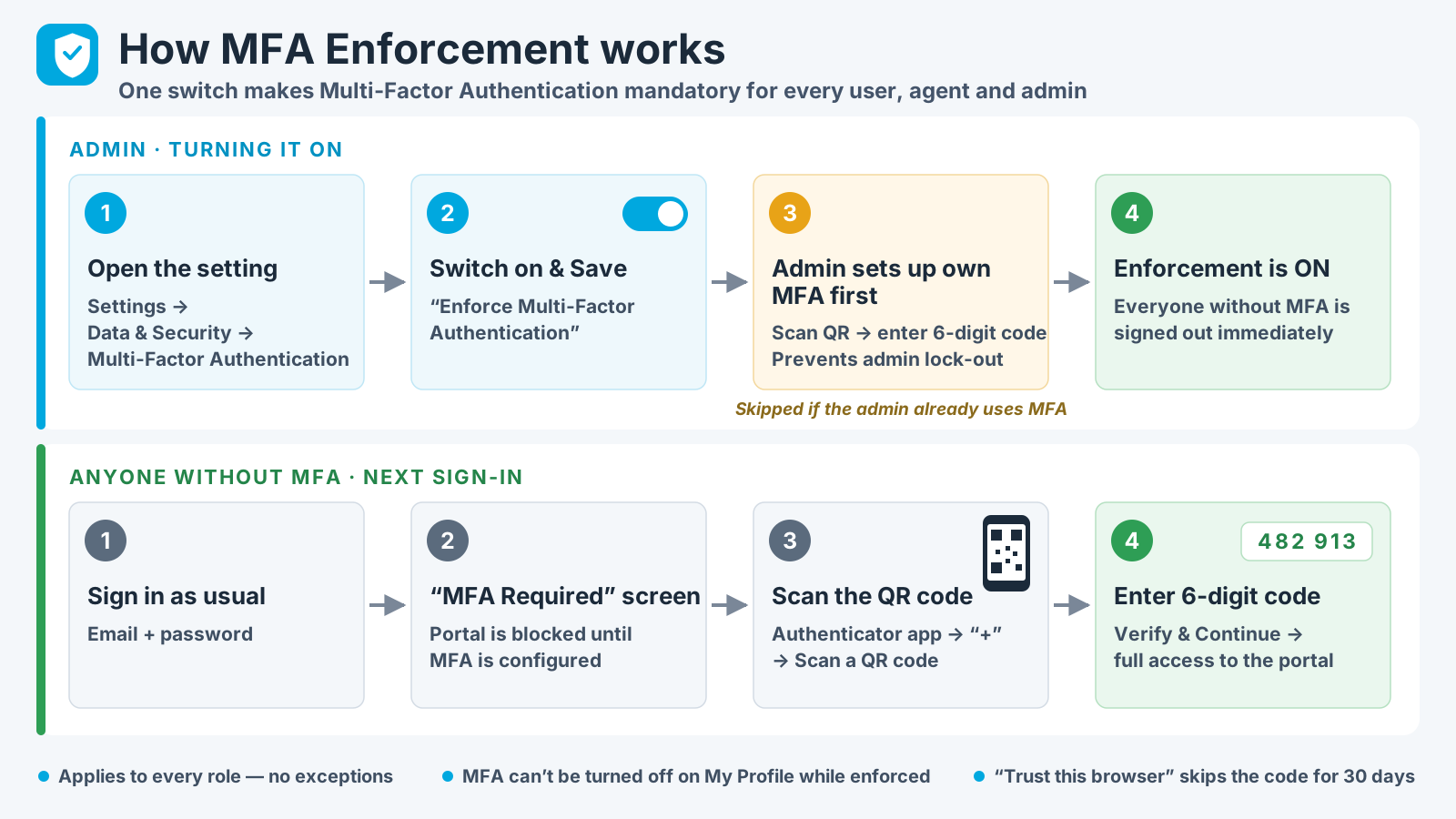
Go to Settings → Data & Security → Multi-Factor Authentication. Switch on Enforce Multi-Factor Authentication, then click Save.
Only admins can see and change this setting.
