What are tags and how do I use them?
Tags are custom labels you can add to tickets to categorize, track, and filter them.
Adding tags:
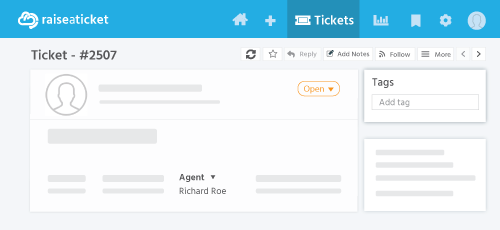
- Open a ticket > click the Tags field > type or select a tag.
- Tags can be added during ticket creation or anytime after.
Using tags to filter:
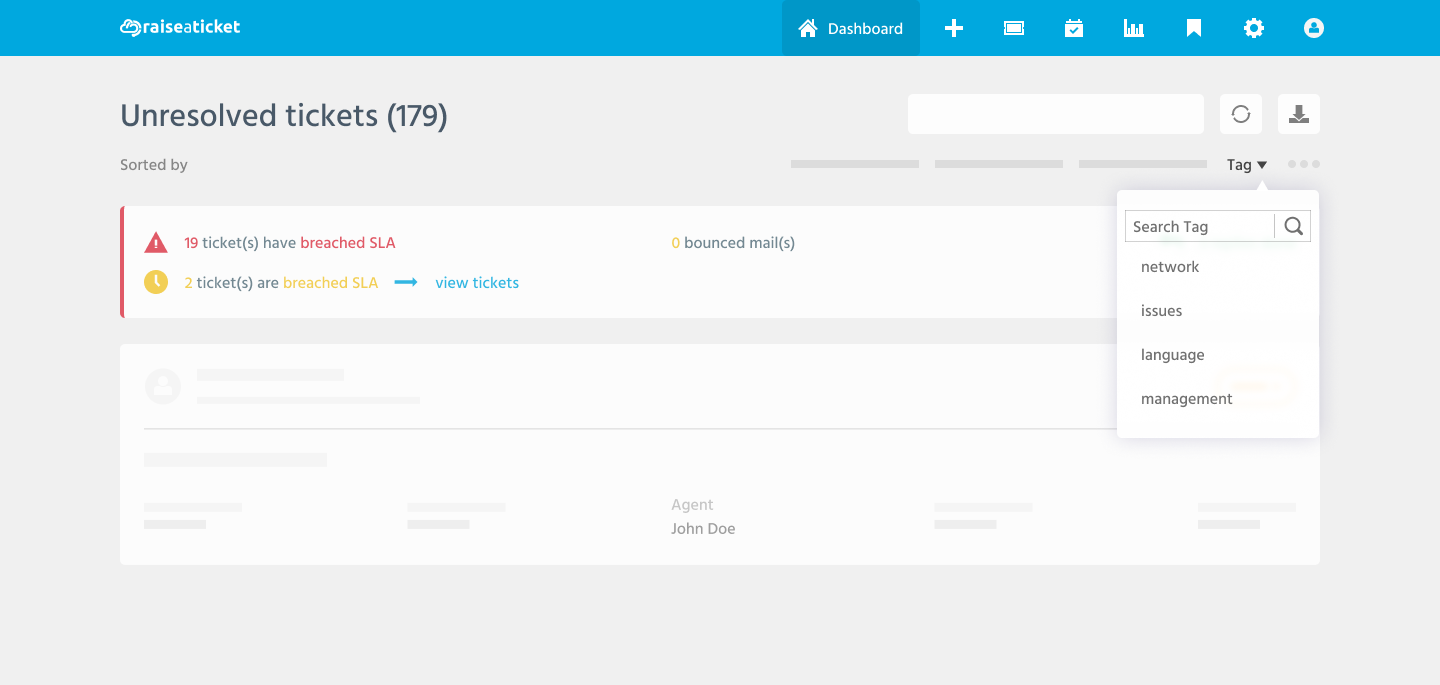
- Go to Tickets list
- Click Filters
- Select "Tags" filter
- Choose one or more tags to filter by
Best practices:
- Use consistent naming (e.g., "billing", "bug", "feature-request").
- Tags help identify recurring issues across tickets.
- Use tags in reports to track issue patterns.
- Admins can manage available tags in Settings > General > Tags.
Last reviewed17 August 2026
Maintained byRaiseaticket Support
Applies toFree plan
Required roleAny
