How do I set up a knowledge base?
The knowledge base lets you create self-help articles for your customers and internal guides for your agents.
Setting up:
- Go to Settings > Knowledge Base (or Resources)
.
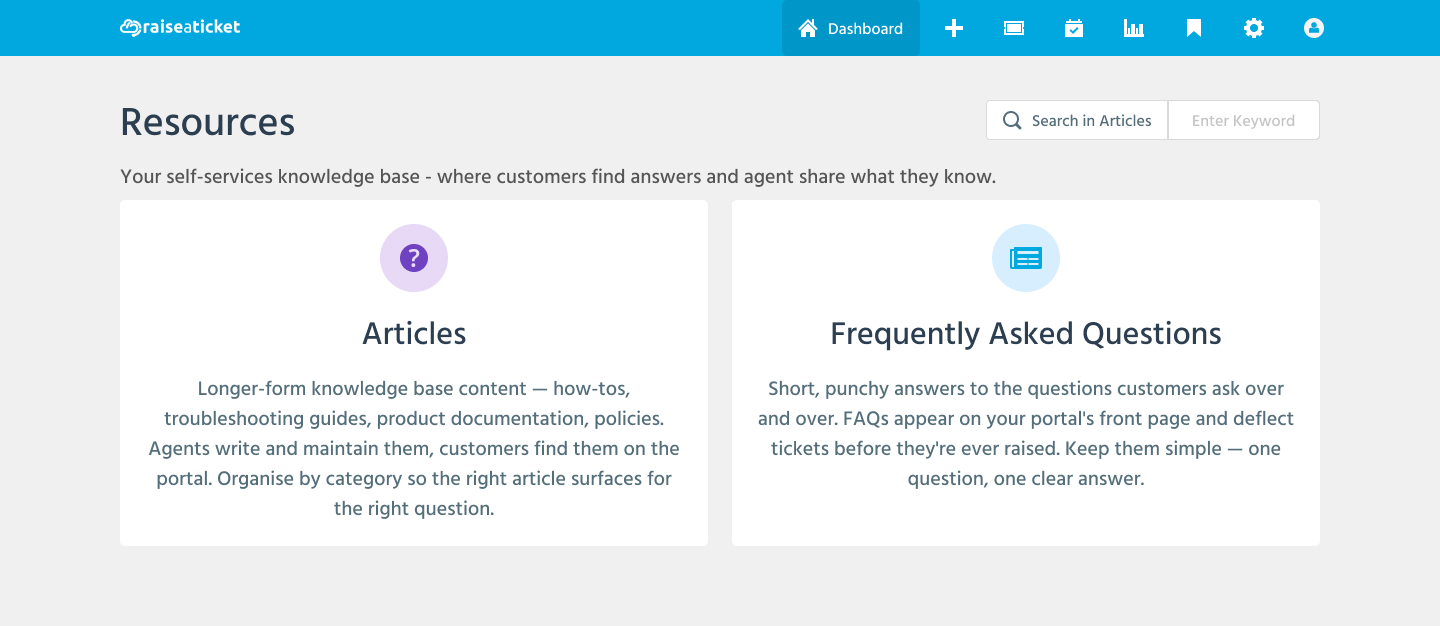
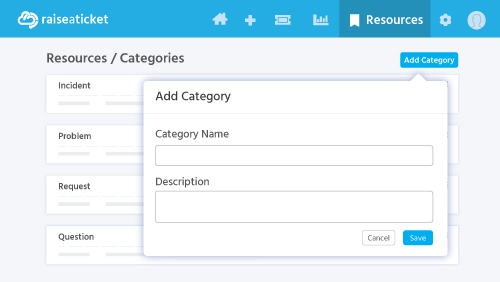
- Create categories to organize your articles.
- Add articles with rich text content, images, and attachments
.
- Set visibility: Published (visible to all) or Draft (hidden)
.
Visibility options:
- Public articles: Visible to customers on your portal.
- Internal articles: Visible only to agents and admins.
Tips:
- Create FAQ articles for common questions to reduce ticket volume.
- Agents can link knowledge base articles in their ticket replies.
- Review and update articles regularly to keep content accurate.
Last reviewed17 August 2026
Maintained byRaiseaticket Support
Applies toFree plan
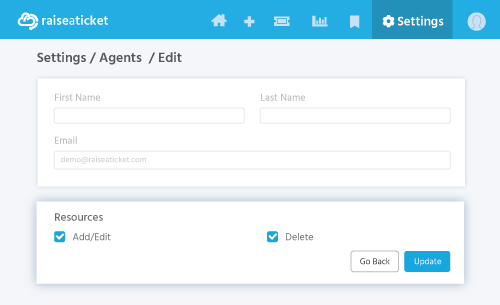
Required roleAdministrator
