How do I set up an SLA policy?
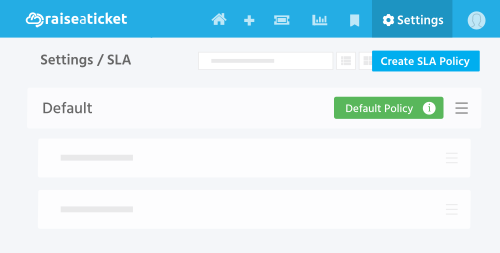
To create or modify SLA policies:
- Go to Settings > SLA
- Click "Add SLA Policy" or edit an existing one.
- Set targets for each priority level:
- Response time (e.g., High priority: 1 hour)
- Resolution time (e.g., High priority: 4 hours).
- Choose time measurement: business hours or calendar hours.
- Assign operating hours schedule (business hours configuration).
- Save
Tips:
- Create different SLA policies for different priority levels.
- Associate your business hours with SLA so weekends/holidays are excluded.
- Set up SLA breach notifications in Settings > Notifications to alert your team.
Designing your own? The SLA policy workbook walks through the six decisions behind a policy that survives a real week - priorities, operating hours, holidays, pausing the clock, targets and who owns a breach - and assembles one you can copy.
Last reviewed17 August 2026
Maintained byRaiseaticket Support
Applies toFree plan
Required roleAdministrator
