How do I customize my portal branding?
To customize your portal appearance:
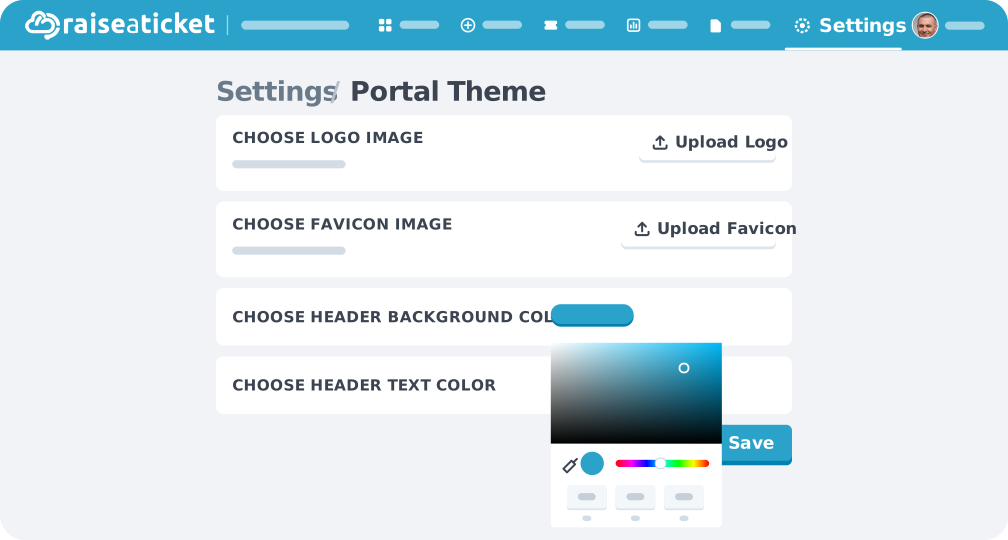
- Go to Settings > Portal Branding (or Customisation).
- Available customizations:
- Company logo (appears in portal header and emails)
- Portal name and tagline
- Brand colors
- Favicon
- Custom login page text
- Save and preview your changes
Your branding appears on:
- Customer-facing portal (ticket submission page).
- Email notifications sent to customers
- Login page
Tip: Use your company colors to make the portal feel like a natural extension of your brand.
Last reviewed17 August 2026
Maintained byRaiseaticket Support
Applies toPremium add-on
Required roleAdministrator
